Pixel Action
A downloadable game for Windows
🔫 PIXEL ACTION - Ultimate Survival Shooter
SURVIVE. SHOOT. UPGRADE. Prepare for the ultimate pixelated battle! In Pixel Action, you face endless waves of enemies. Your goal is simple: Survive as long as possible, collect coins, and become the ultimate warrior.
📢 Patch Notes: The "Highscore & Tactics" Update (v1.2)
Hello Survivors! The next big update goes live tomorrow! We’ve worked hard on gameplay, balance, and especially the visuals. Here is the overview of all the changes:
🔥 New Features
🏆 Highscore System: Your skill is now immortalized! Your "Best Run" (highest wave reached) is now permanently saved and proudly displayed in the Main Menu.
💥 Critical Hit System (Crit):
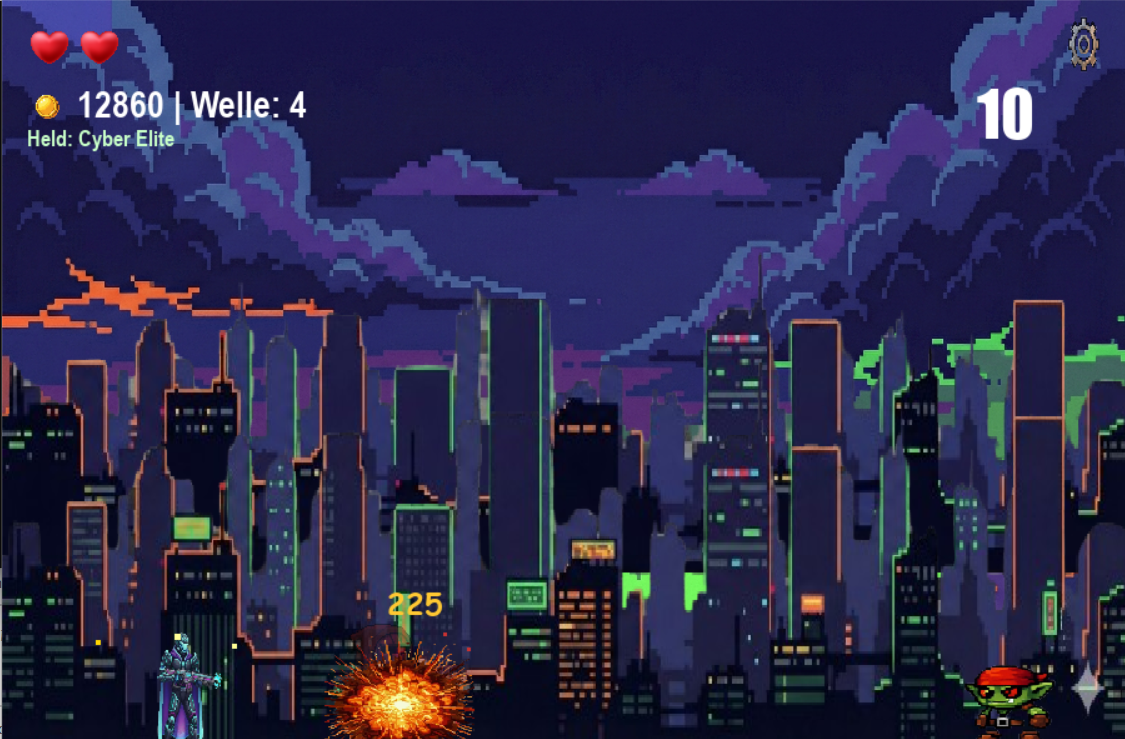
Every weapon now has a chance to deal double damage (indicated by yellow damage numbers).
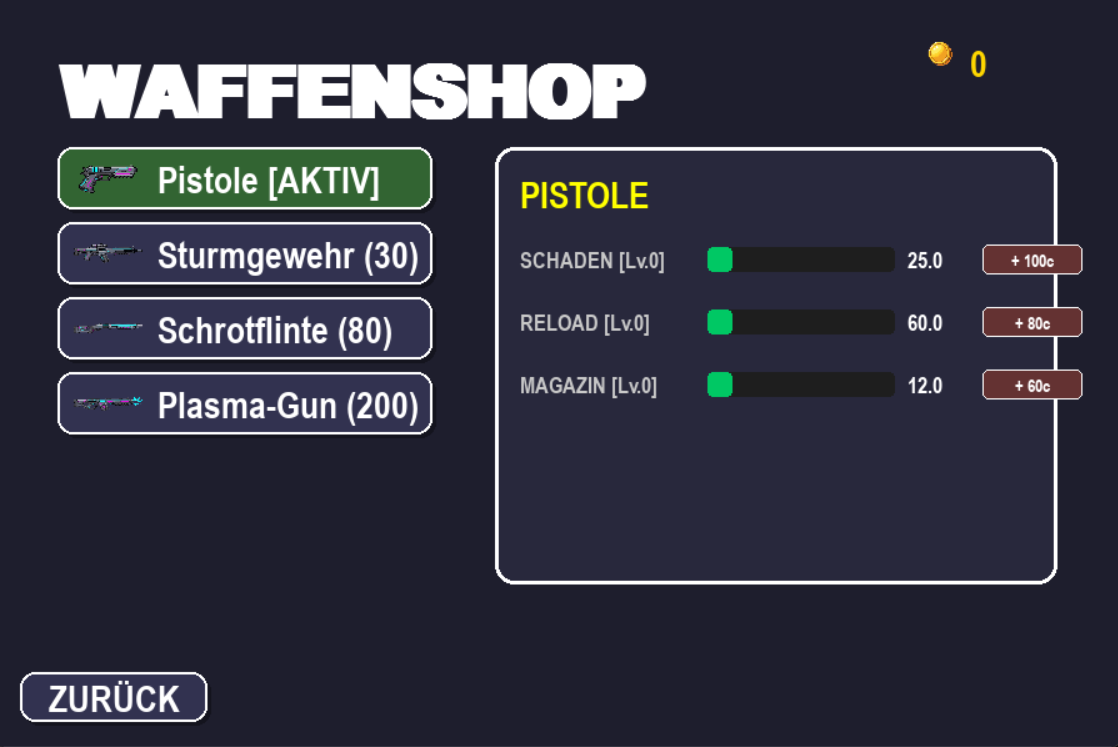
New upgrade option in the Weapon Shop: Increase your Crit Chance for maximum destruction!
⚡ New Area: Skill Shop:
A completely new menu section has been added.
You can now permanently extend the duration of Power-Ups (Shield, Rapid Fire, Speed) in exchange for Coins.
🎨 Interface & Audio Overhaul
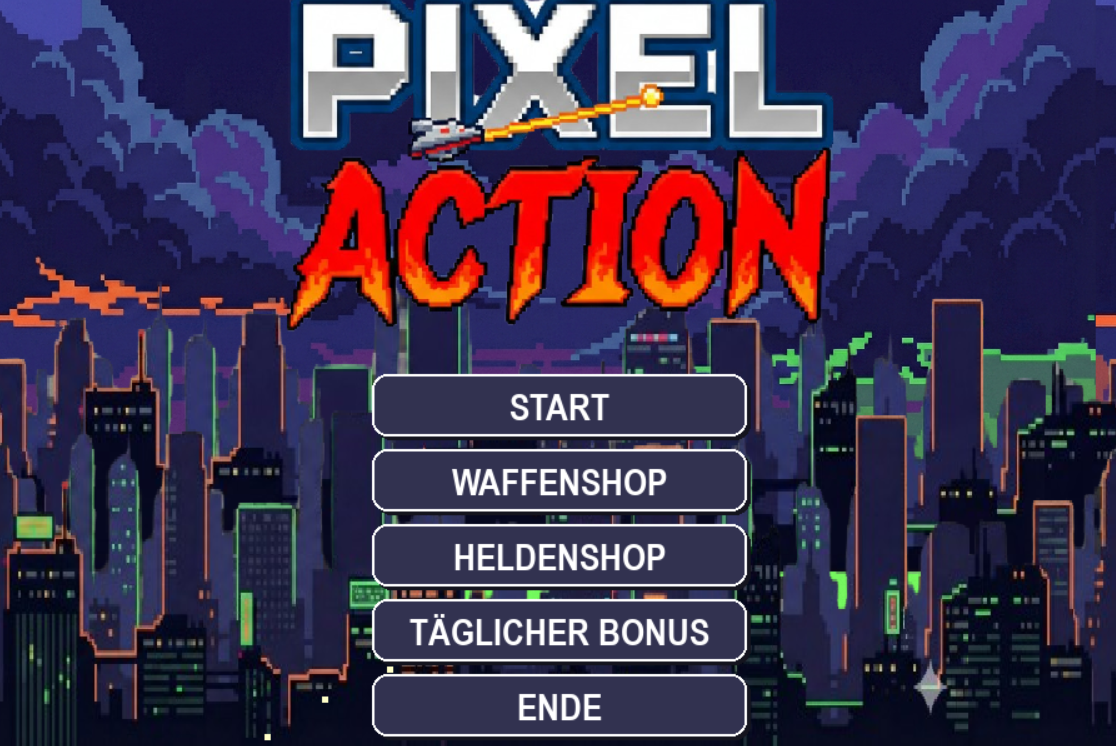
🖥️ New Main Menu: The old list-style menu has been replaced by a modern, card-based Grid Layout.
🖼️ Visuals: New, larger, and detailed icons for weapons, heroes, skills, and the Play button.
🔊 Sound Upgrade:
New sound effects for purchasing items ("Ka-Ching!").
New feedback sound when you cannot afford an upgrade.
General audio improvements for the menu and level-ups.
⚖️ Balancing & Gameplay
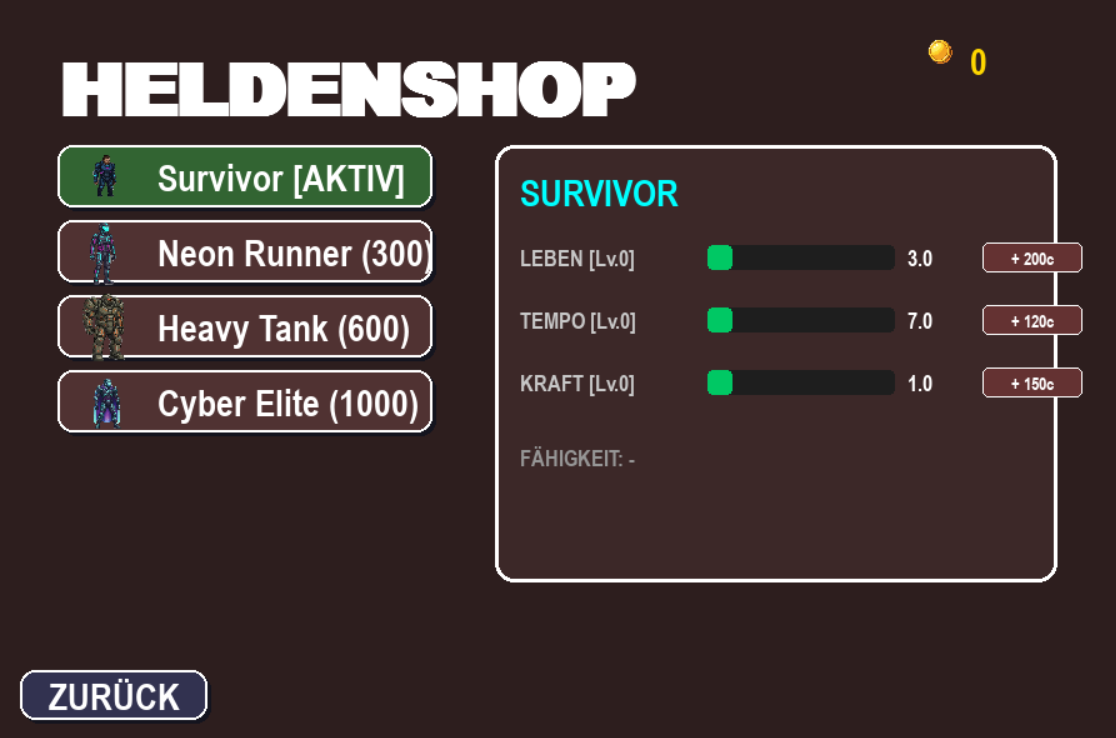
📈 Level Cap Introduced: All upgrades (Weapons, Heroes, Skills) are now capped at Level 10. Once the maximum is reached, "MAX" is displayed, and no further purchases can be made.
💰 Economy Adjustments: Shop prices have been slightly increased to make progression feel more rewarding.
❤️ Power-Up Hitbox: The collection range (hitbox) for Power-Ups has been increased. It is now easier to grab buffs during chaotic combat situations.
🔫 Tactical Update (Ammo): Ammunition is no longer automatically refilled at the end of a wave – keep an eye on your magazine status!
🐛 Bug Fixes
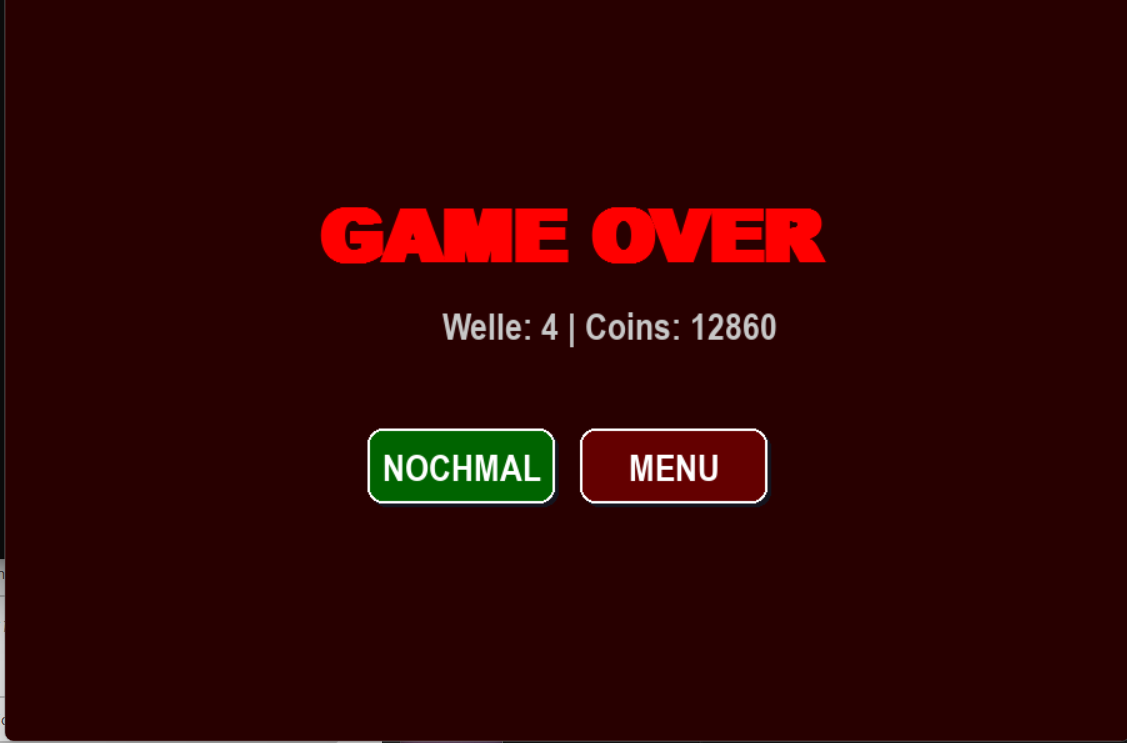
Respawn Logic: Fixed a bug where the game would sometimes not reset correctly after a "Game Over" (starting at the wrong wave). The game now correctly restarts fresh at Wave 1.
Thanks for playing! Good luck hunting for the Highscore! 🎮
📅 DAILY REWARDS Log in every day to claim free Coins!
- Keep your streak for 7 days to unlock the Exclusive Golden Skin.
Current Version: 1.2 Controls: WASD/Arrows to move, SPACE to jump, Mouse to aim & shoot.
If you enjoyed the game, consider buying me a coffee by donating! ☕
Download
Click download now to get access to the following files:
Development log